Log archive
Searchable. Selectable. Deletable.
Open log archive… and hunt by date, time, callsign, or room. Multi-select old segments and Delete selected when you need disk back — permanent on that PC, never a cloud trash can.
Guess RF callsigns from speech
RF clips that try to name themselves
Optional, off by default (Desktop 0.3.35+). When an AllStar Link RF bridge is feeding the room, Magic PTT can listen to the first ~8 seconds of an RF clip and may rename it RF~CALL. Best effort — not a verified Station ID, not a promise every check-in will be perfect. Turn it on when you want the archive a little smarter.
Mic Check + Mic button
Two cards. Two jobs.
Mic Check (blue): live meter, quiet / hot / right coaching, six-second playback sample. Mic button (green): Bluetooth speaker-mic PTT only — voice still uses normal Windows Bluetooth audio. Confirmed on BTech BS-22 / BS-50 and TidRadio Q2L.
RF bridge remote
Start the node without babysitting
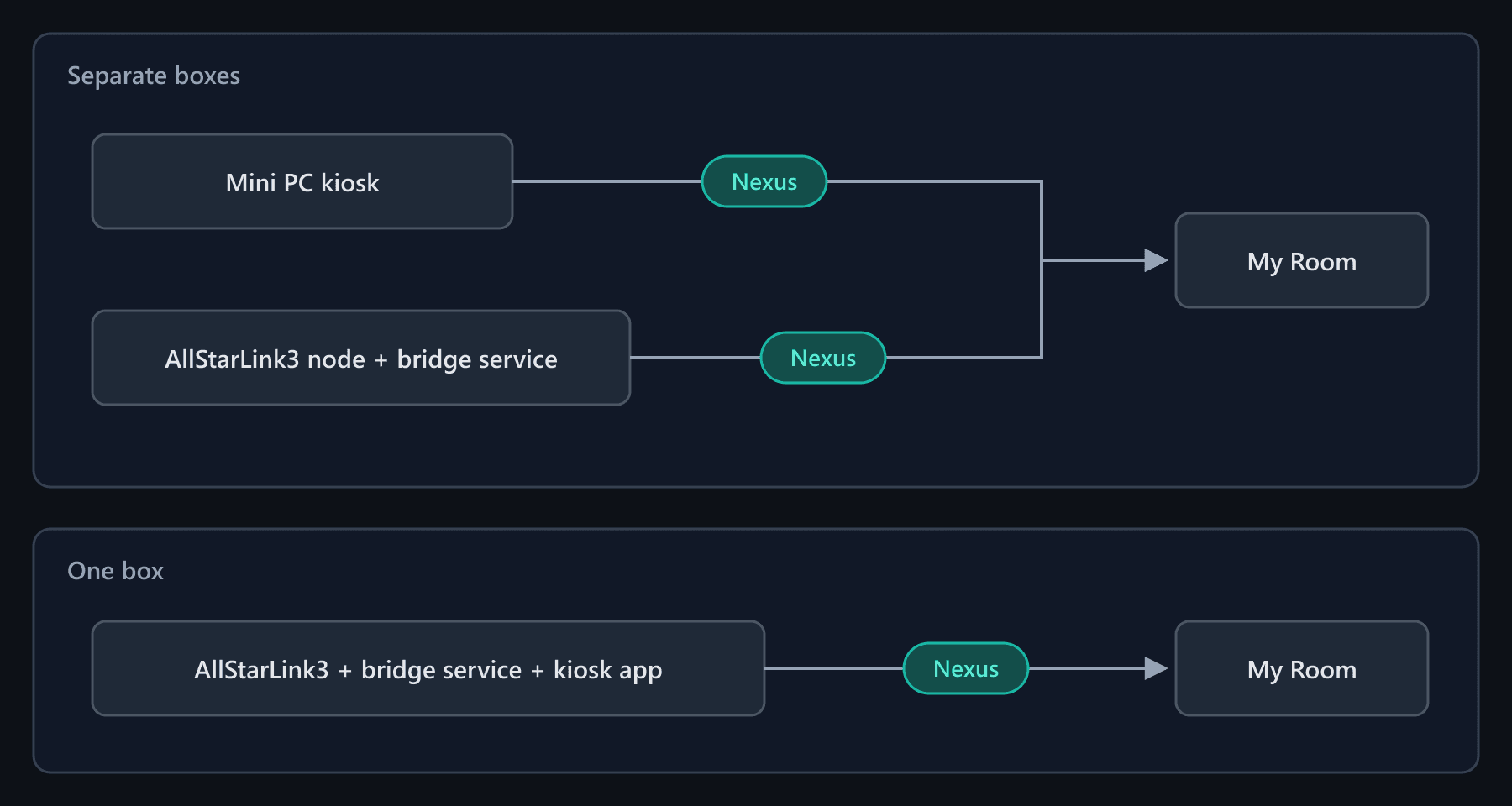
When AllStar Link is enabled on your My Room, the Desktop RF bridge float remotes the magic-ptt-bridge daemon on the ASL3 box — Start / Stop from the desk. The audio bridge itself runs on the node.
USB foot pedal
Hands free when the desk is busy
Learn a keyboard-style pedal in Settings — it keys while Desktop is focused, and an optional always-on switch keeps it working when another window is in front. No keylogger, ever.