Radios, kiosks, and mics with real scars

Bench photos from the current test fleet — cleaned for the site, with the button functions we have already mapped for Magic PTT. More profile shots will land as they are shot. This is not a fantasy accessory list.

Magic PTT test fleet lineup on the bench — multiple handhelds running Magic Micro
Current bench lineup — tap a model below for its button map

What each control does in Magic PTT

Pins show the physical control; the list is the same map for phones. Volume keys stay system volume unless noted. W6 entries marked “planned” are vendor-locked but still proving in the field.

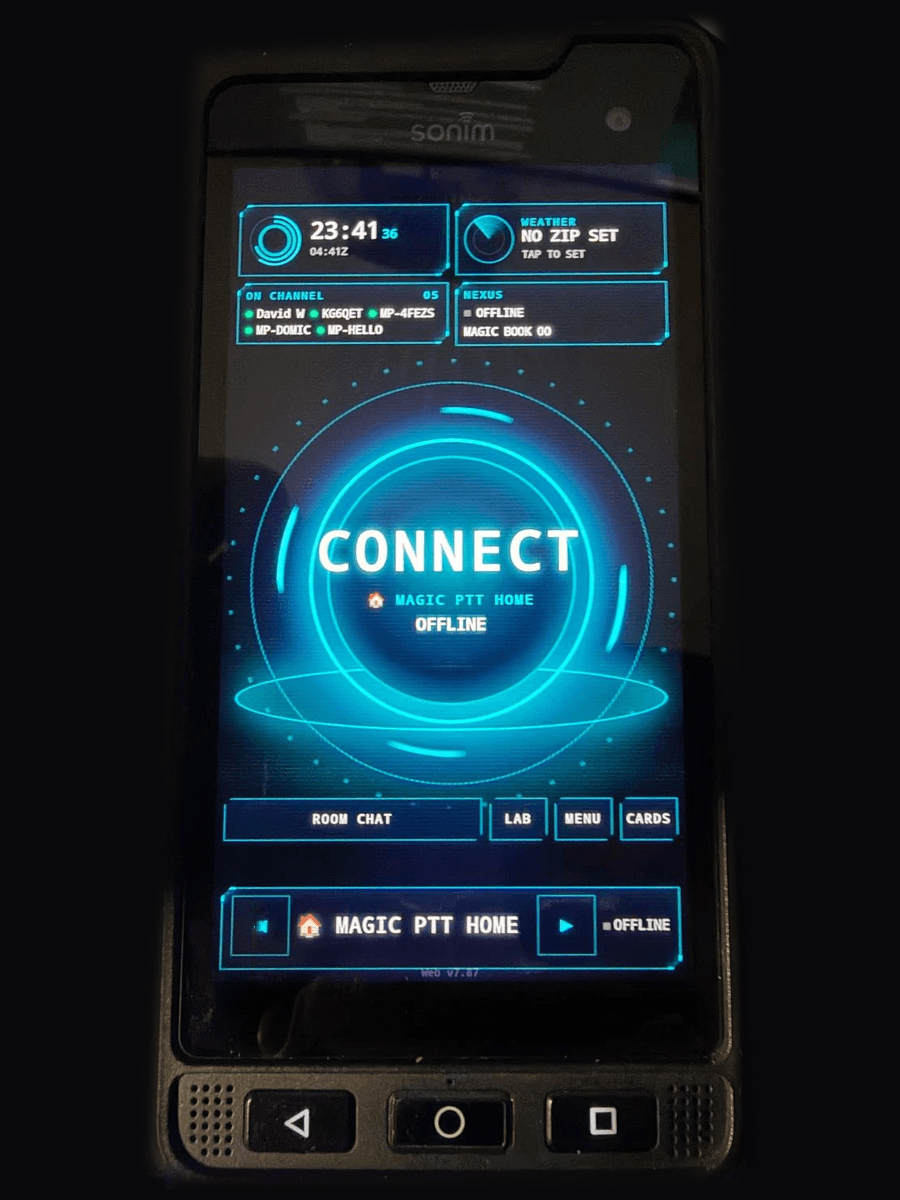
Uniwa F400 running Magic PTT Micro
Field proven

Uniwa F400

Kiosk handheld

Side PTT works on current builds. On Device Owner kiosk, the orange SOS and front row become Wi‑Fi, channel cycle, scan, and toast dismiss — without stealing volume.

  1. 1

    Side PTT

    Hold to talk — standard hardware TX path.

  2. 2

    Orange SOS

    Opens Wi‑Fi settings on kiosk units.

  3. 3

    Home

    Cycle to the next channel.

  4. 4

    Layer

    Start / stop Channel Scan.

  5. 5

    Back

    Dismiss join toasts (My Room / Welcome Desk).

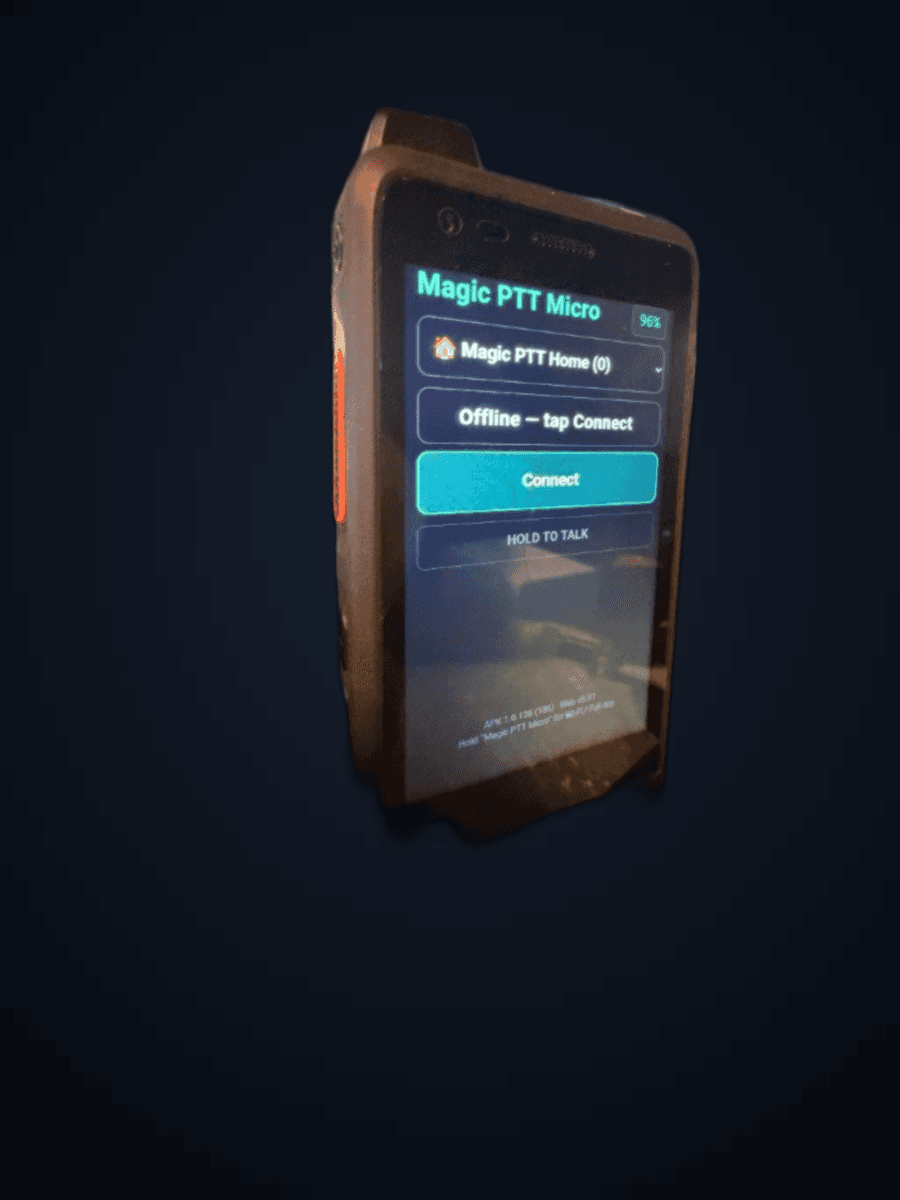
i846 / OS360 handheld running Magic PTT Micro
Field proven (side PTT)

i846 / OS360

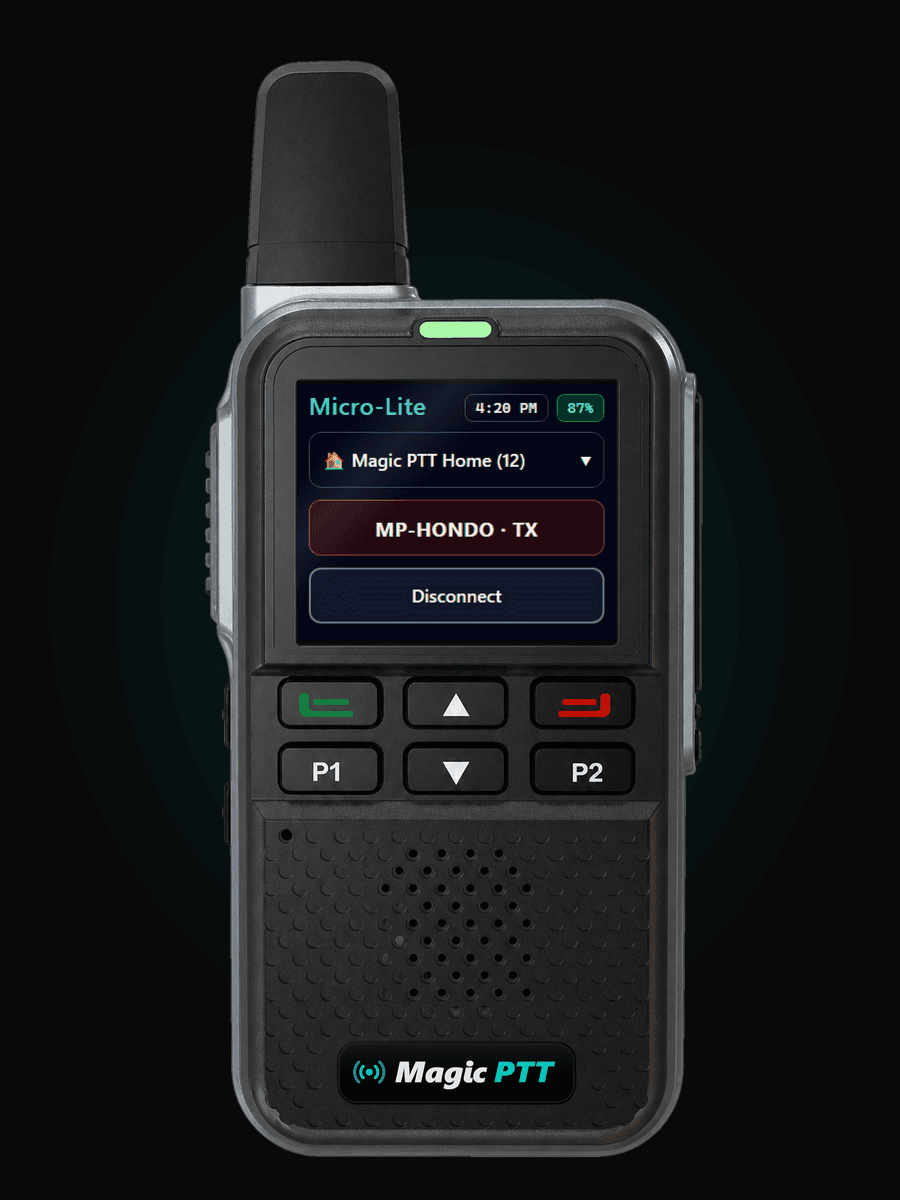
China POC HT · Magic Micro

Labeled i846 on the chassis; Android reports OS360. Side PTT is fleet-proven. Soft keys below the screen follow the Connect / Micro / Disconnect map.

  1. 1

    Side PTT

    Hardware TX — hold to talk on channel.

  2. 2

    Green

    Connect to the selected channel.

  3. 3

    Home

    Opens Magic Micro / PTT.

  4. 4

    Red

    Disconnect from the channel.

  5. 5

    Under-PTT

    Short press channel up; hold for channel down.

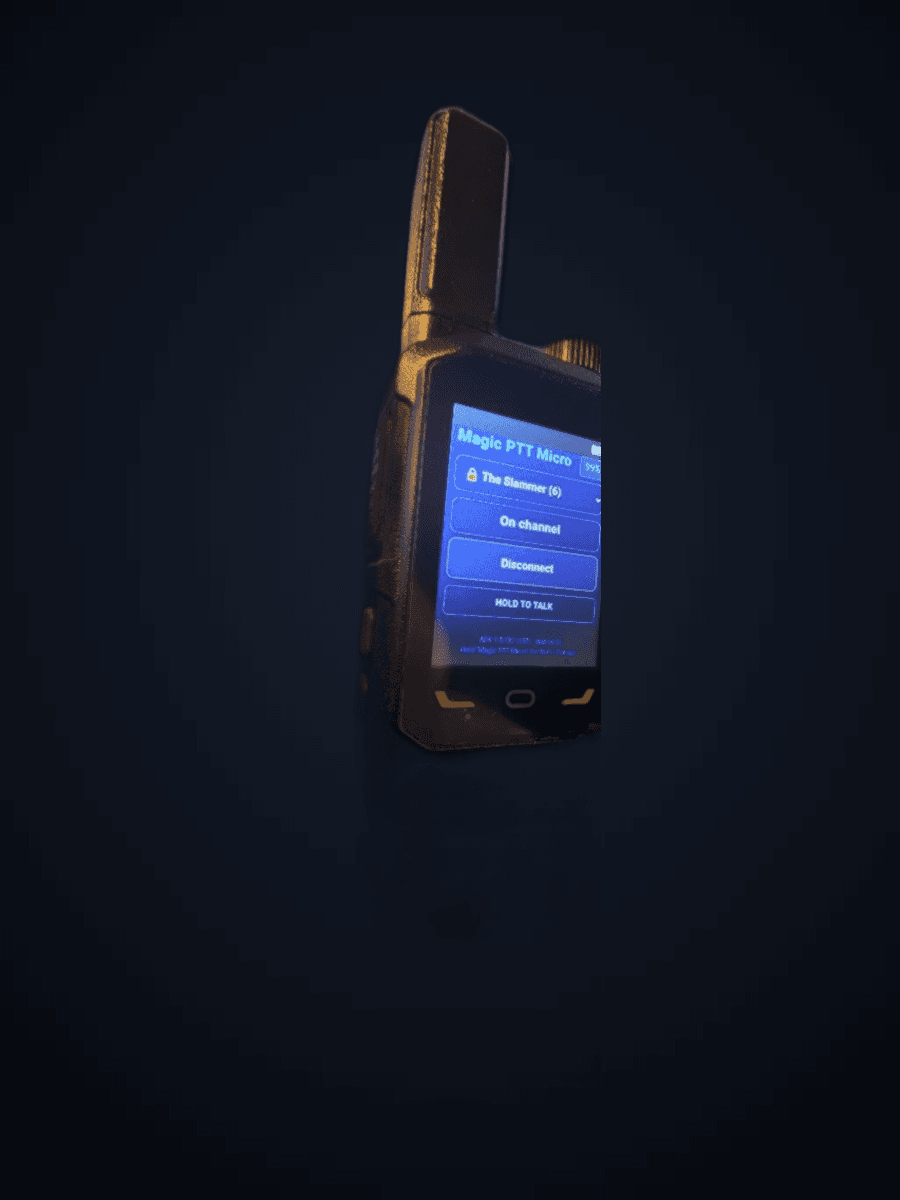
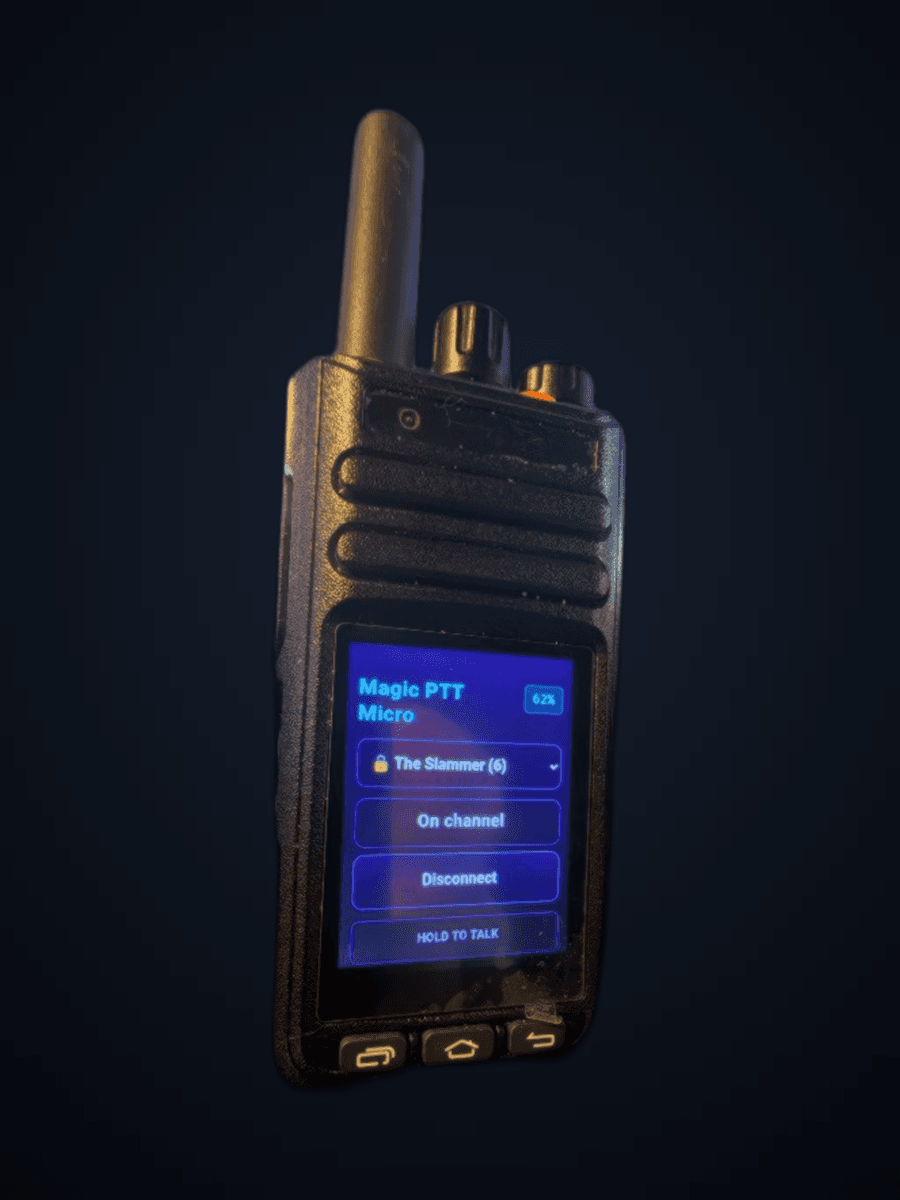
Hiroyasu HI-B8 running Magic PTT Micro on The Slammer
Field proven

Hiroyasu HI-B8

Dedicated POC HT · Magic Micro

Side PTT, channel knob, SOS Connect, and kiosk nav mapped for Magic PTT — a radio that happens to run our shell, not a browser toy.

  1. 1

    Side PTT

    Hold to talk — hardware key into Magic PTT TX.

  2. 2

    Channel knob

    Twist for next / previous Public Room channel.

  3. 3

    Volume

    Stays Android volume — we do not steal it.

  4. 4

    Scroll circle

    Tap scrolls up; hold scrolls down while held.

  5. 5

    SOS

    Connect / Disconnect the channel.

  6. 6

    Home

    Long-press jumps to Magic Micro / PTT on kiosk.

  7. 7

    Recent / Back

    Toggle Dashboard ↔ Micro under lock-task.

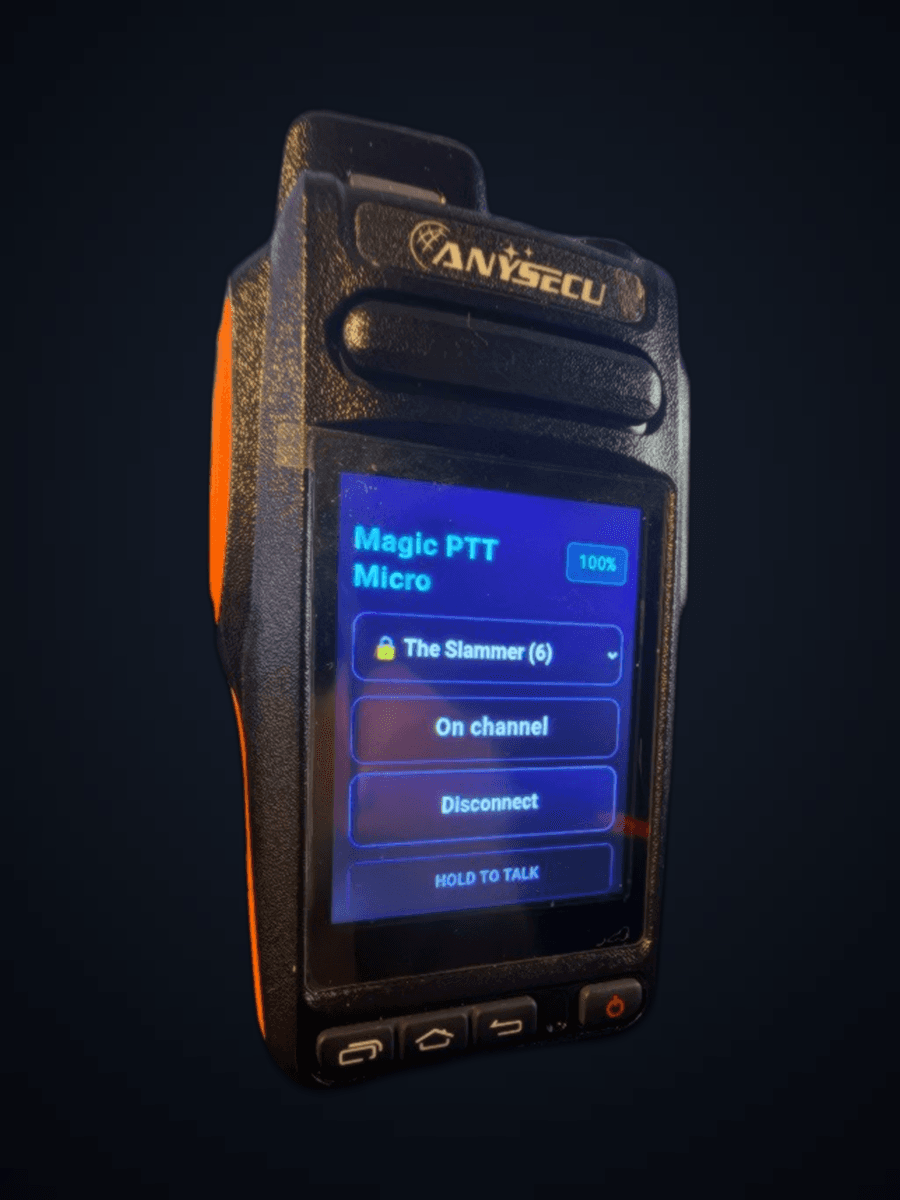
Anysecu Y18 running Magic PTT Micro on The Slammer
Shipping APK path

Anysecu Y18

Kiosk handheld · MC525

Orange-grip HT with vendor intercom PTT, half-duplex-aware TX, and Magic Micro for small screens. Flashlight key is never treated as PTT.

  1. 1

    Side PTT

    Intercom / PTT — hold to TX on the live channel.

  2. 2

    Home

    Opens Magic Micro / PTT on kiosk installs.

  3. 3

    Recent

    Toggle Dashboard ↔ Micro with Back.

  4. 4

    Back

    Same Dashboard ↔ Micro toggle under kiosk.

  5. 5

    Flashlight

    OEM only — never mapped as PTT on Y18.

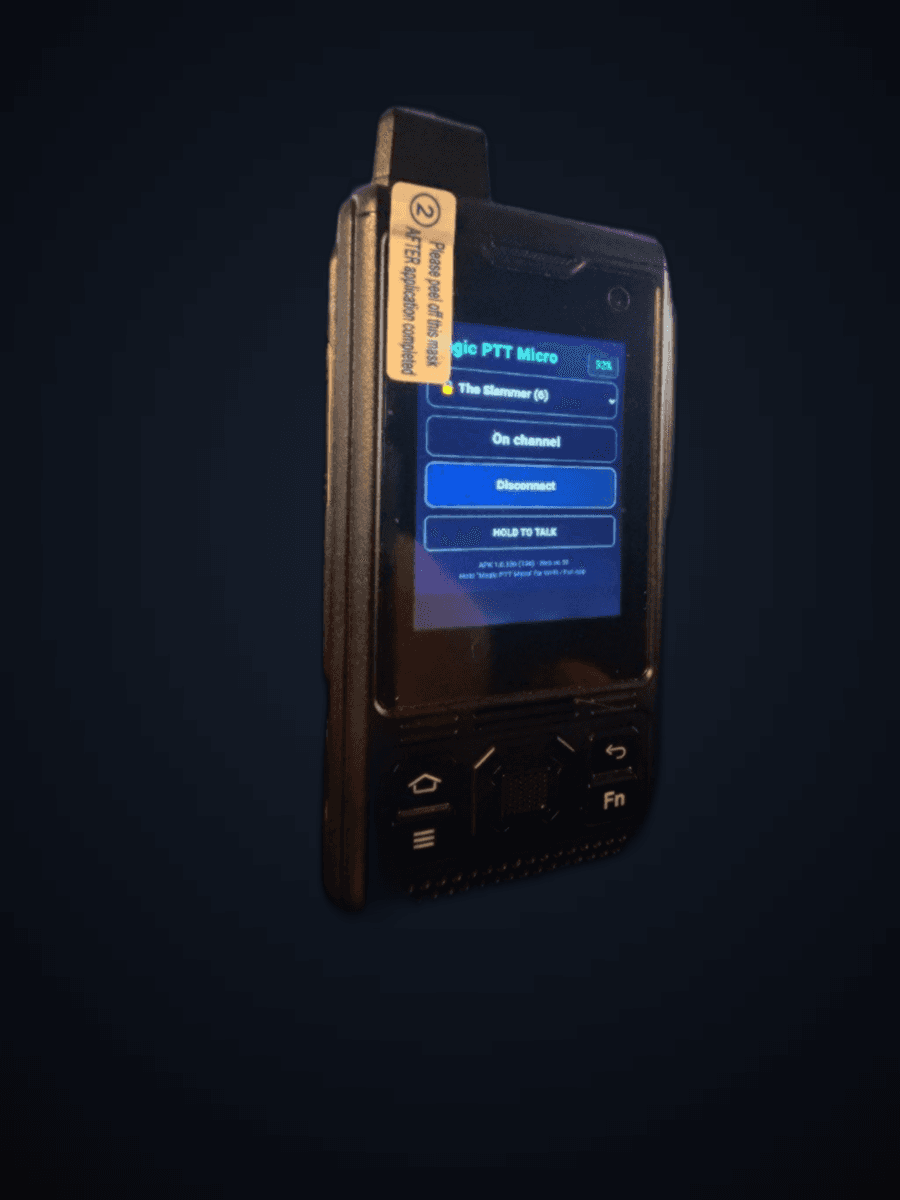
Uniwa B8000 running Magic PTT Micro on The Slammer
Mapped (test lane)

Uniwa B8000

Test / bench HT

Side PTT plus Fn Connect, Home → Micro, SOS tools, and camera → room-chat photo. Status LED is a documented no-op on this Freeme unit.

  1. 1

    Side PTT

    Hold to talk on the live channel.

  2. 2

    Fn

    Connect / Disconnect toggle.

  3. 3

    Home

    Jump to Magic Micro / PTT.

  4. 4

    SOS

    Opens the Micro tools menu.

  5. 5

    Camera

    Capture a photo into room chat.

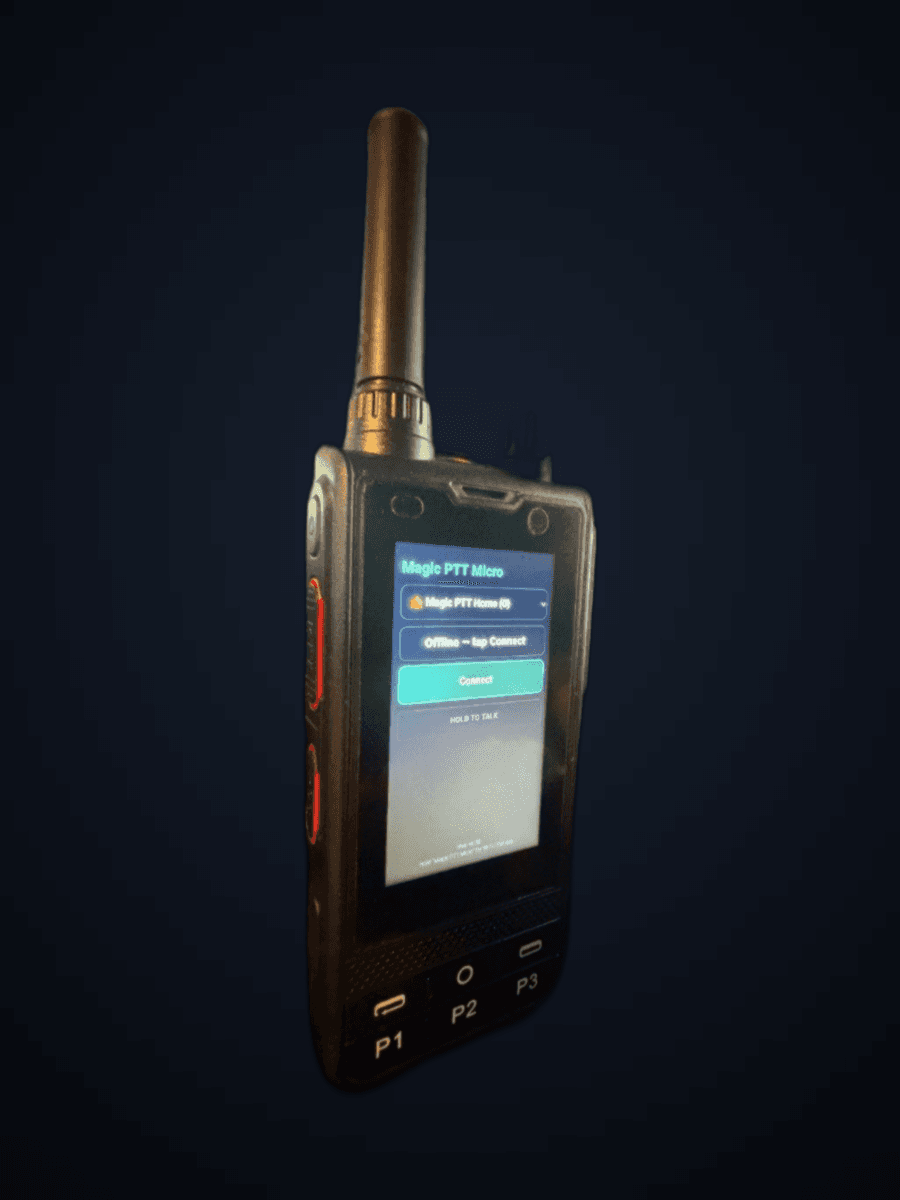
Anysecu W6 UHF candidate running Magic PTT Micro
In progress

Anysecu W6

Candidate official Magic PTT HT

Vendor key map is locked (POC PTT, channel knob, SOS). Field wiring continues — not marketed as finished until every key proves out in logcat on the unit.

  1. 1

    Side PTT

    POC / F1 path — hold to TX (vendor map).

  2. 2

    Channel knob

    Planned next / previous channel when proven.

  3. 3

    SOS

    Planned Connect / Disconnect — field proof pending.

  4. 4

    P1 · P2 · P3

    Front row — map after logcat confirmation.

  5. 5

    Volume

    Left as system volume for now.

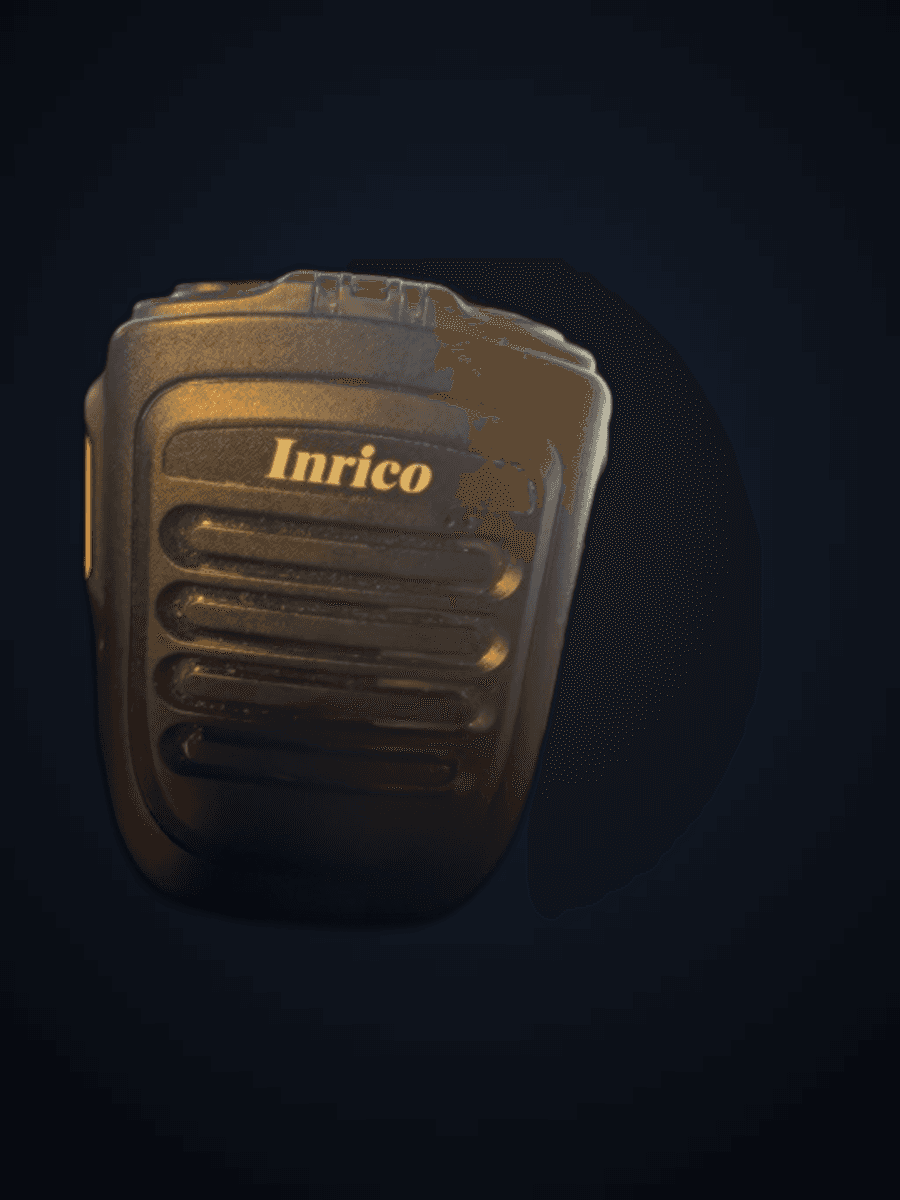
Inrico Bluetooth speaker-mic with orange side PTT
Field proven

Inrico B01 / B02

Bluetooth speaker-mic

Classic BLE / SPP speaker-mic path on phone shells — separate from BTech and TidRadio drivers so one brand’s fix never breaks another.

  1. 1

    Orange PTT

    Press to key Magic PTT; release to unkey.

  2. 2

    Top keys

    Power / aux — leave OEM unless Profile enables the mic path.

  3. 3

    Speaker + mic

    Voice rides the classic Bluetooth audio link both ways.

HI-B8 & Y18 in the wild

Earlier gallery shots — kept for atmosphere alongside the new studio pads above.

Hiroyasu HI-B8 in hand running Magic PTT Micro
HI-B8 · HOLD TO TALK
HI-B8 custom controls reference
HI-B8 · control sketch
Anysecu Y18 with Stage ops desk behind
Y18 · Micro + Stage
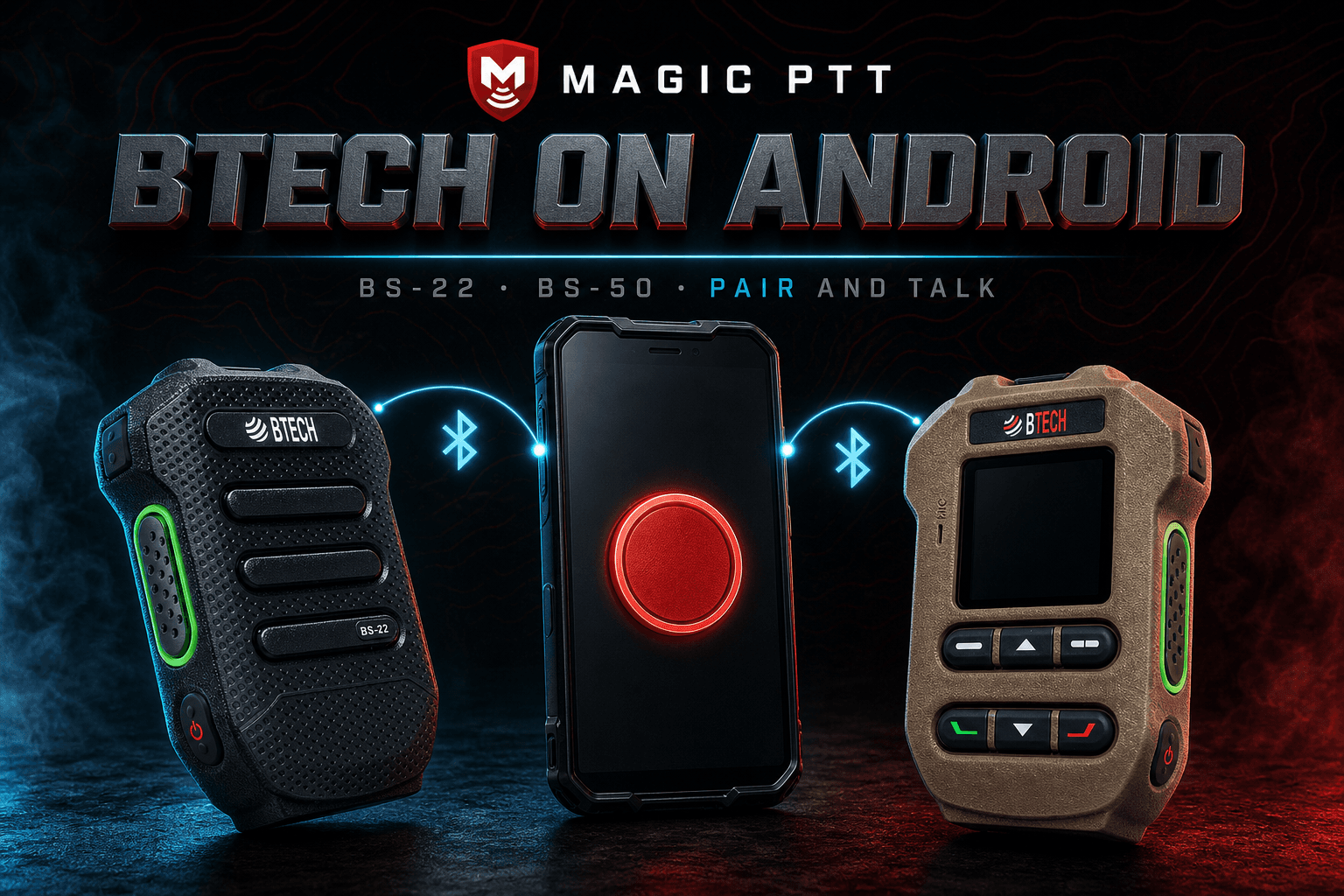
Magic PTT with BTech mic on Android
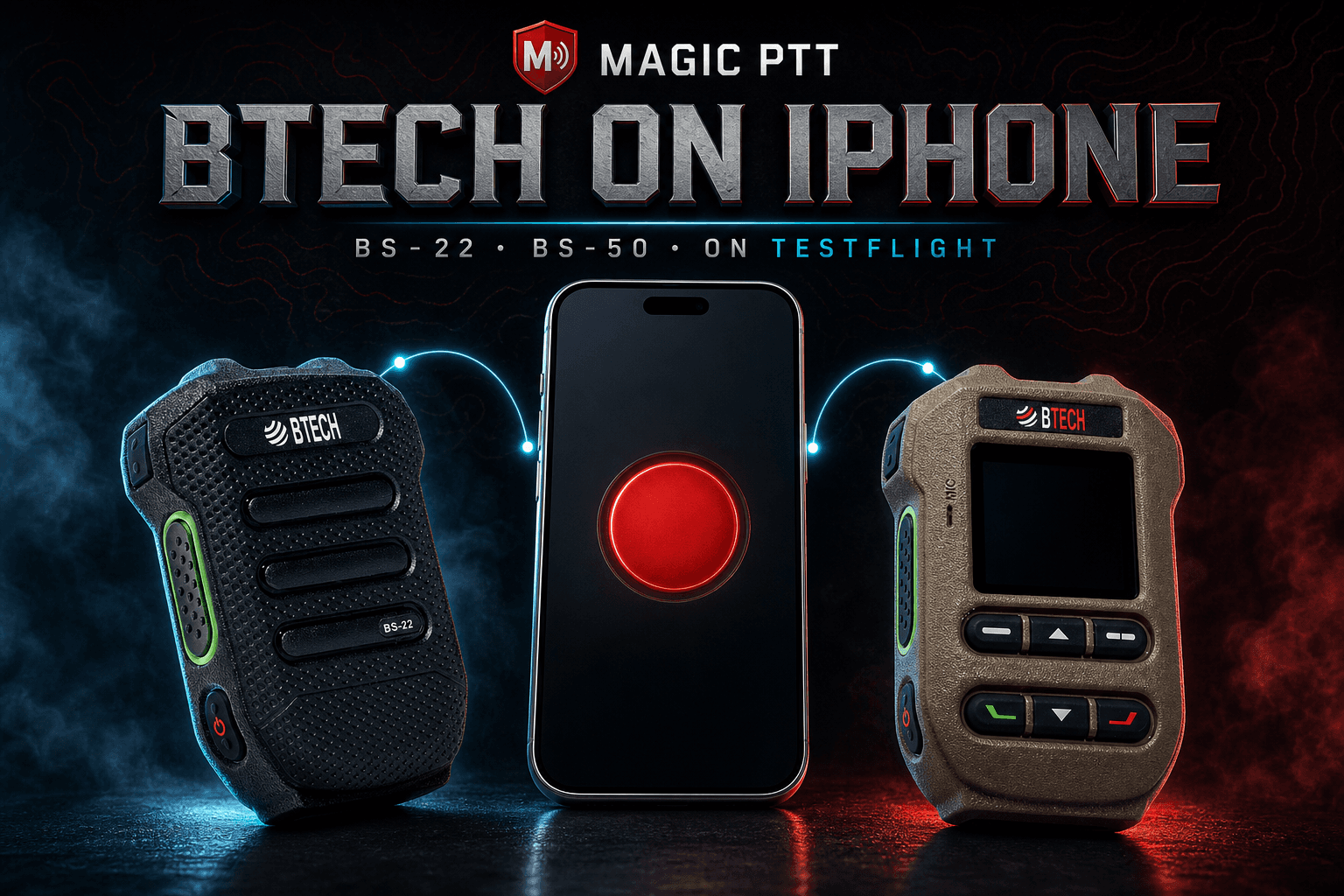
Magic PTT with BTech mic on iPhone

Speaker-mic button support — pair audio in system Bluetooth, enable the mic button in Profile / Desktop Mic button card.

Also in the fleet

Field proven

Ulefone Armor X31

Rugged contest & fleet phone

Kiosk Device Owner installs, hardware PTT path, and the same Magic Micro / full console members know from the web.

Available (amd64)

Linux mini PC kiosk

Always-on desk radio

Debian 13, no desktop environment — curl install, reboot into full-screen Magic PTT. Same console as Windows Desktop.

Coming soon

Raspberry Pi kiosk

Small always-on desk unit

Arm64 Magic PTT kiosk is next after the amd64 path. Target Pi 5 · 8 GB · active cooling. Flashable image after the app is proven.

Drivers we wrote — buttons that key Magic PTT

Each brand keeps its own pipe. We never “merge” Inrico fixes into BTech or force iPhone to match Android when the firmware disagrees.

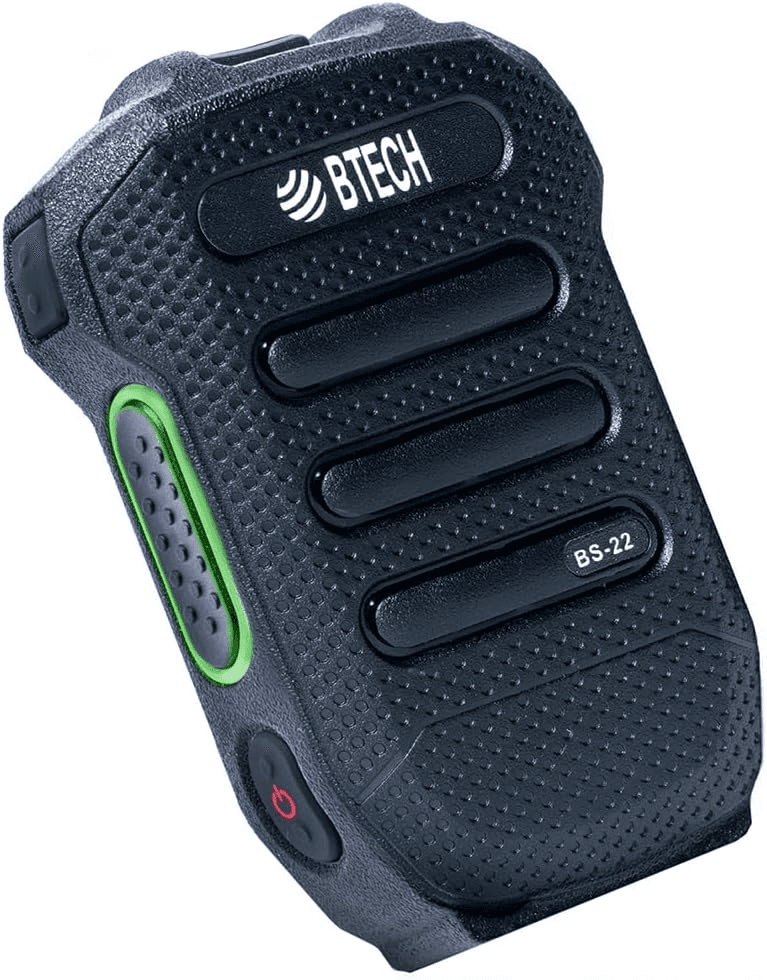
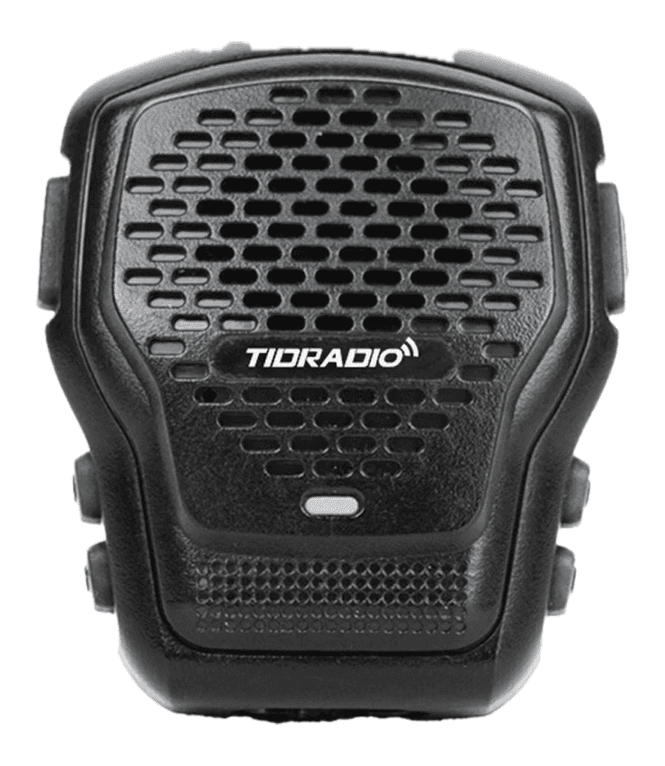
BTech BS-22

BTech BS-22

Wireless speaker-mic. We wrote the BLE button driver — press on the mic, Magic PTT keys. iPhone and Android; Profile toggle for the button.

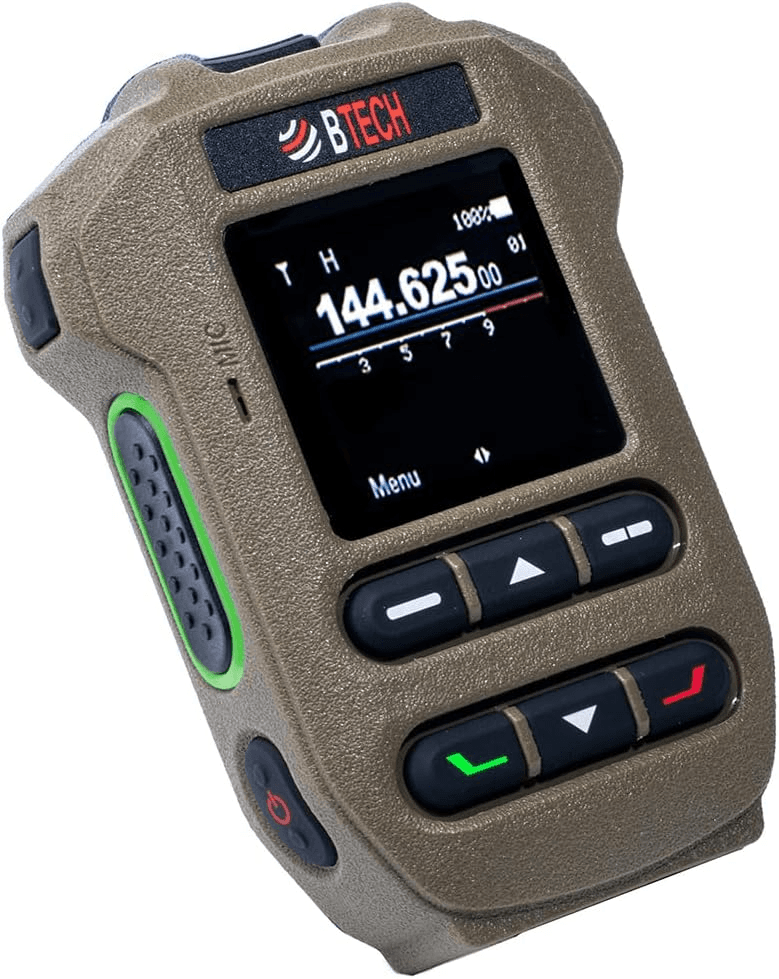
BTech BS-50

BTech BS-50

LCD sibling of the BS-22. Same PTT frames on the proven pipe. Extra front buttons stay unmapped until we see clean frames — never false-key TX.

TidRadio Q2L / tidmic

TidRadio Q2L / tidmic

Android field-proven since APK 1.0.64 (scan-attach + multi-pipe). iPhone audio both ways has been proven; button work is paused, not abandoned.

Inrico B01 / B02

Inrico B01 / B02

See the mapped card above — orange side PTT on the classic Bluetooth speaker-mic path.

Roadmap

Raspberry Pi Magic PTT kiosk

Now: Debian 13 amd64 kiosk. Next: arm64 Desktop package on Pi hardware. Later: optional Etcher image for pop-in SD cards. We will not pretend an SD image exists today.